
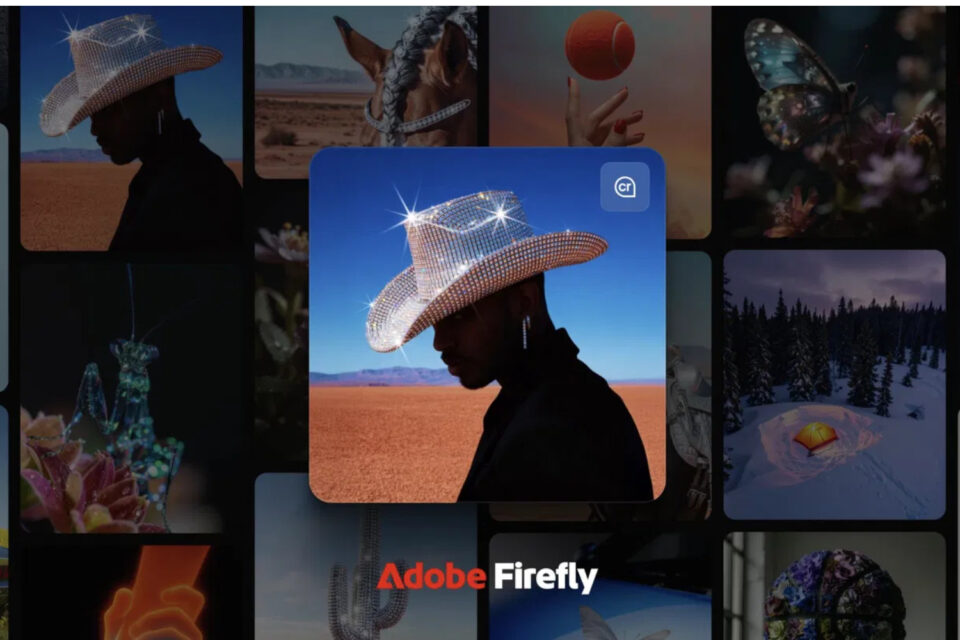
Adobe Firefly’s New AI Video Generator Turns Still Images Into Moving Masterpieces
Everyone loves creating stunning videos, but sometimes your subjects — whether people, pets, or unpredictable moments — just don’t cooperate. That’s where Adobe steps in with a little help from artificial intelligence. The newly launched Adobe Firefly Video Generator transforms still images and illustrations into dynamic, expressive motion — all powered by your imagination and a few simple prompts.
With Firefly, you don’t need an elaborate setup, camera crew, or editing expertise. All you need is your creative spark, a Firefly or Adobe Creative Cloud subscription, and a solid internet connection to dive into this browser-based tool. In just minutes, your static visuals can evolve into cinematic clips that look like they were crafted by a professional studio.
How It Works
Adobe’s Generate Video feature is fully web-based and seamlessly integrated into the Creative Cloud ecosystem. Its AI engine can bring your still images or digital illustrations to life — or even generate entirely new ones from text prompts. Whether you’re designing in Photoshop, sketching in Illustrator, editing in Premiere Pro, or working in Adobe Express, Firefly acts as a creative bridge that turns your static projects into fluid motion.
The beauty of Firefly lies in its simplicity. You can upload two images as keyframes and let AI create natural, fluid motion between them — or upload a single image and describe what you’d like it to do. Want a character to wave? A flower to bloom? A landscape to transform from day to night? Just type your vision and watch it unfold.
Firefly even comes with style presets — from lifelike cinematic animation to playful claymation, sleek line art, or vibrant anime. It’s not just about motion; it’s about mood, style, and storytelling. And with built-in optimization for TikTok, YouTube, Instagram, and other platforms, it’s easier than ever to create social-ready content with just a few clicks.
Creative Freedom Meets Simplicity
What makes Firefly truly special is how effortless it feels. Even beginners can achieve professional-quality motion graphics in moments, while experienced creators can use it to experiment with ideas or prototype visuals. The familiar Generative Remove and AI editing tools from Photoshop are also part of the Firefly ecosystem, giving users control over every frame — from composition to lighting and movement.
And best of all, Adobe ensures that your creations remain commercially safe to use. As long as you own the rights to the source images, your Firefly-generated videos can be freely used for marketing, content creation, or any professional purpose — with no hidden licensing headaches.
Try It Yourself
If you already have an Adobe Creative Cloud or Firefly plan, you can test-drive the AI Video Generator for free with limited credits. Once you experience how effortlessly it brings your imagination to life, you can upgrade to a paid plan or purchase additional credits for unlimited creative freedom.
Adobe Firefly’s latest evolution isn’t just a new feature — it’s a creative revolution. It bridges the gap between art and technology, helping creators of all skill levels bring still moments to motion and turn imagination into reality.